5 Best Free Icon Libraries for Developers - Grab and Go, Zero Licensing Headaches
•9 views

Icons are a must, but finding the right set is no easy feat
Building a UI without icons feels empty. But finding an icon set that is beautiful, consistent, copyright-free, and easy to integrate into React or Vue is something not everyone knows where to start.
Here are the 5 free icon libraries most commonly used in the frontend community, each with its own unique strength. Read through and pick the one that fits your project.
1. Font Awesome - The grandfather of web icons, still going strong
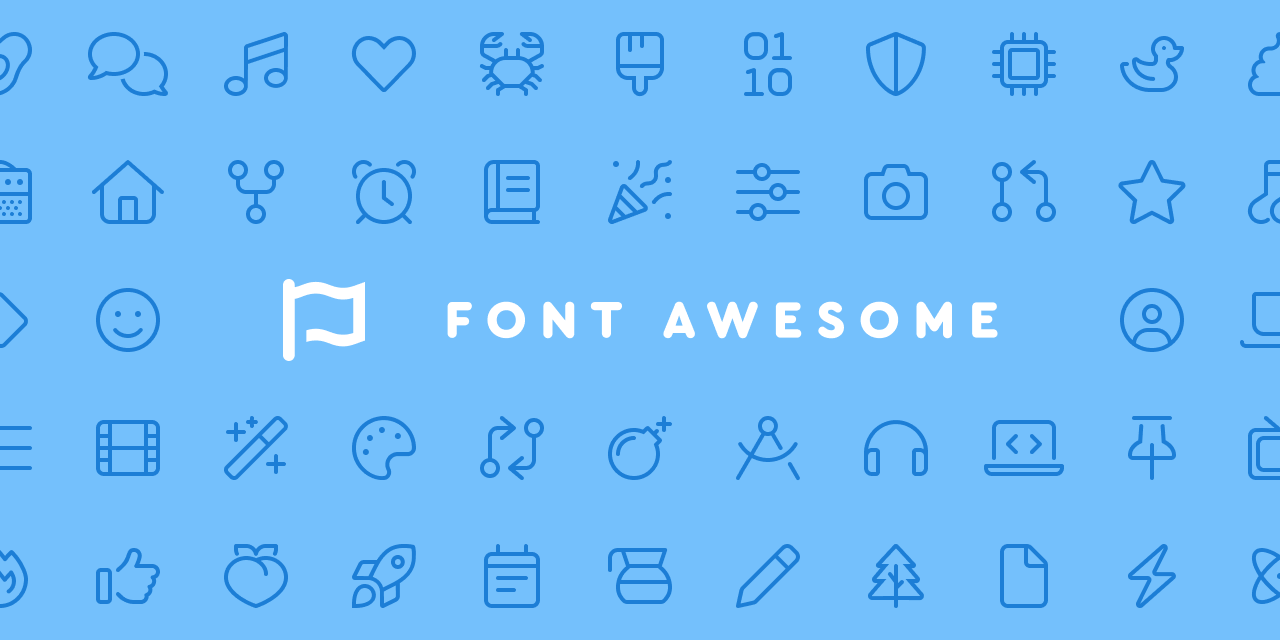
🇺🇸 Developed by Fonticons, Inc. - A US company founded in 2012, based in Arkansas.
Font Awesome is a name everyone in web development knows. Born back when jQuery was still king, it remains one of the most popular icon sets globally. The free version features over 2,000 icons, plenty for most standard projects.
Integrate it into React via the official @fortawesome/react-fontawesome package, which supports tree-shaking so you import only the icons you need, keeping your bundle lean.
npm install @fortawesome/react-fontawesome @fortawesome/free-solid-svg-icons @fortawesome/fontawesome-svg-coreBest for: Projects requiring familiar, highly recognizable icons, or teams already used to Font Awesome.
2. MUI Icons (Material Design) - Google's standard, gold as always
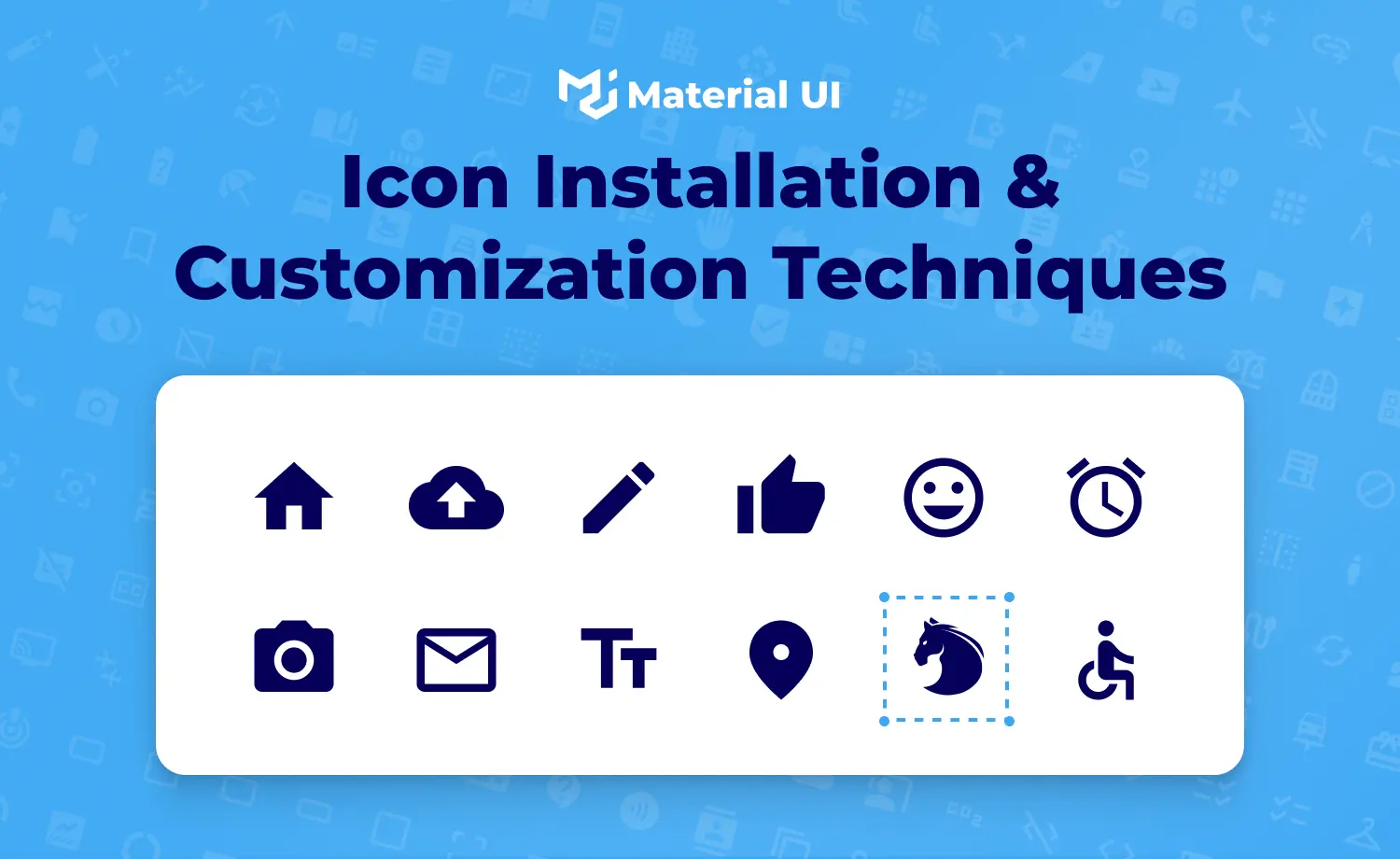
🇺🇸 Developed by Google (USA) - The source icons are Material Symbols, repackaged into MUI components by the open-source community.
MUI Icons implements Google's Material Design standard, packaged by the MUI team. With over 2,100 icons spanning outlined, filled, rounded, and sharp variants, there is a style for every requirement.
If you are building an app with MUI, this is practically the default choice as it fits perfectly within the UI library's design system.
npm install @mui/icons-material @mui/material @emotion/react @emotion/styledBest for: Projects using MUI, or seeking a Google/Android-style interface.
3. Lucide - Light, gorgeous, and incredibly easy to use
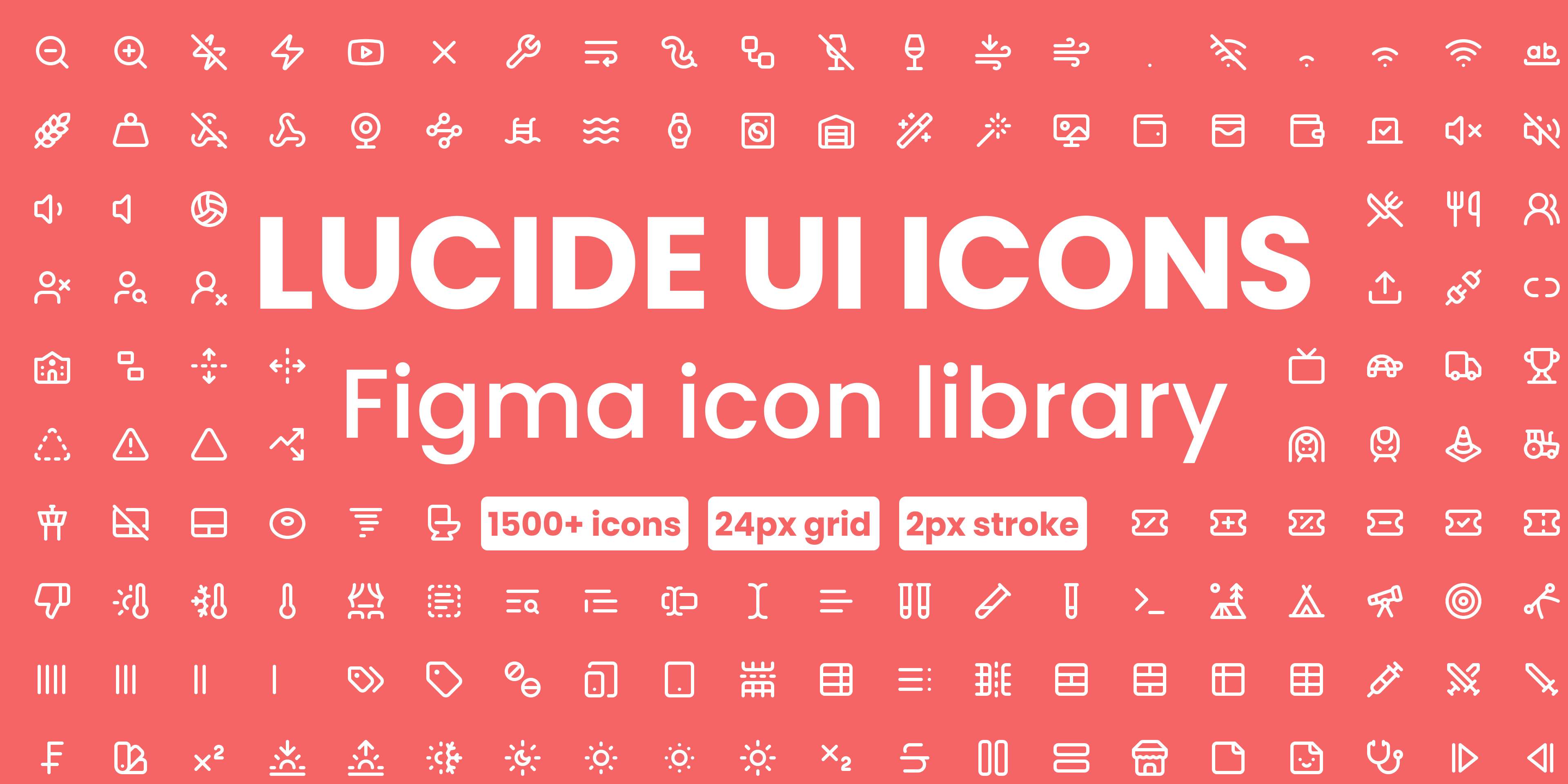
🌍 Developed by the international open-source community - A fork of Feather Icons (originally by Australian author Cole Bemis), currently maintained by contributors worldwide.
Lucide is the active successor fork of Feather Icons. It boasts over 1,500 icons featuring minimalist line-art designs with uniform strokes, offering a clean, contemporary feel.
The lucide-react package comes with full TypeScript support, is fully tree-shakeable, and exposes each icon as a distinct component.
npm install lucide-reactBest for: Minimalist, modern user interfaces, especially when paired with Tailwind CSS or shadcn/ui.
4. Phosphor Icons - The most versatile player in the game
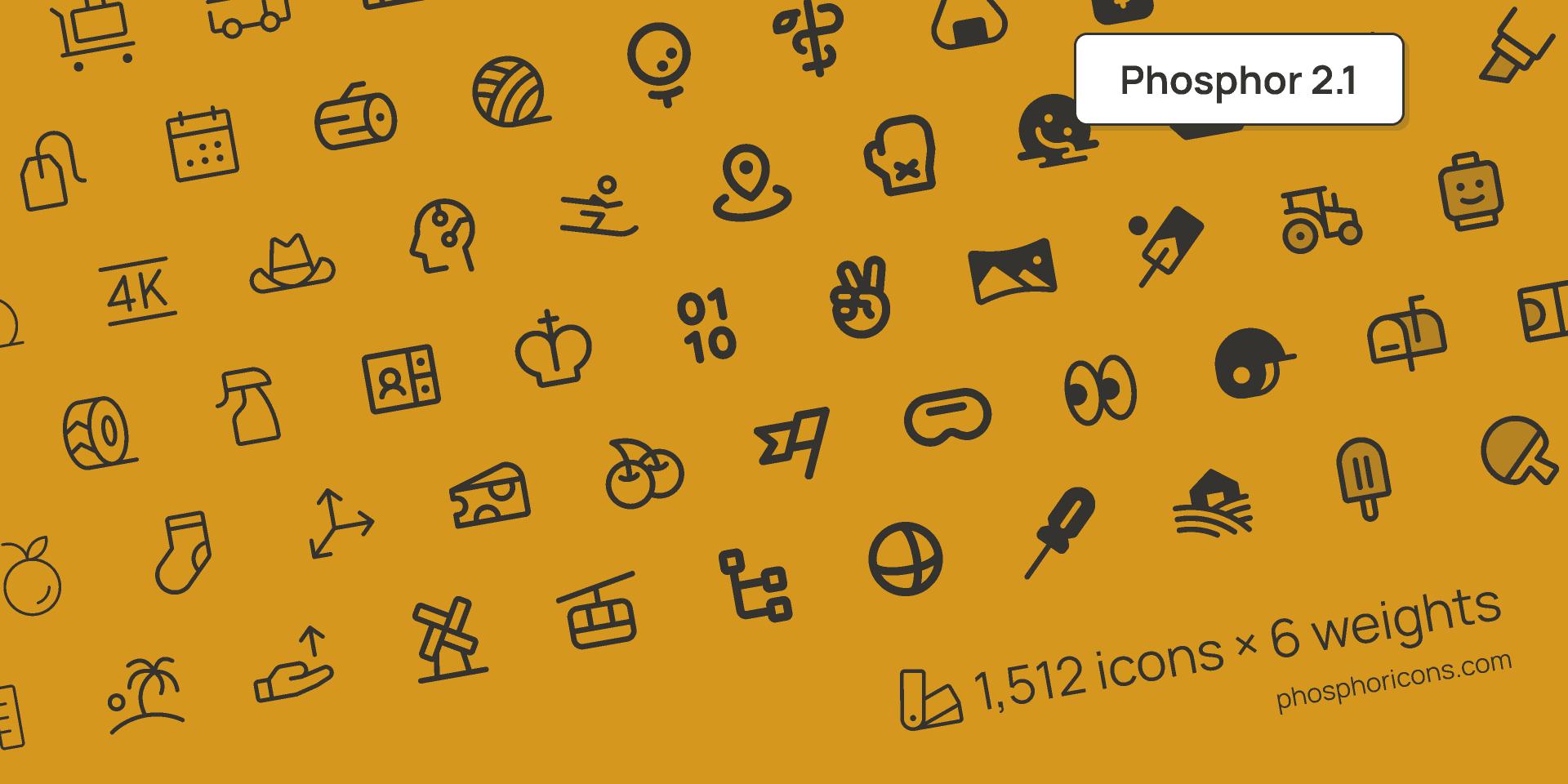
🇺🇸 Developed by Helena Zhang and Tobias Fried - Two US-based designer-developers; this open-source project launched in 2020.
Phosphor Icons shines because every single icon comes in 6 distinct weights: Regular, Bold, Fill, Duotone, Light, and Thin. Having over 1,200 icons multiplied by 6 styles gives you a massive, highly cohesive family.
The @phosphor-icons/react package is highly intuitive, allowing you to swap styles instantly using the weight prop.
npm install @phosphor-icons/reactBest for: Projects requiring varying icon weights or transitioning smoothly between outline and solid variants.
5. Heroicons - Built for Tailwind, but plays perfectly on its own
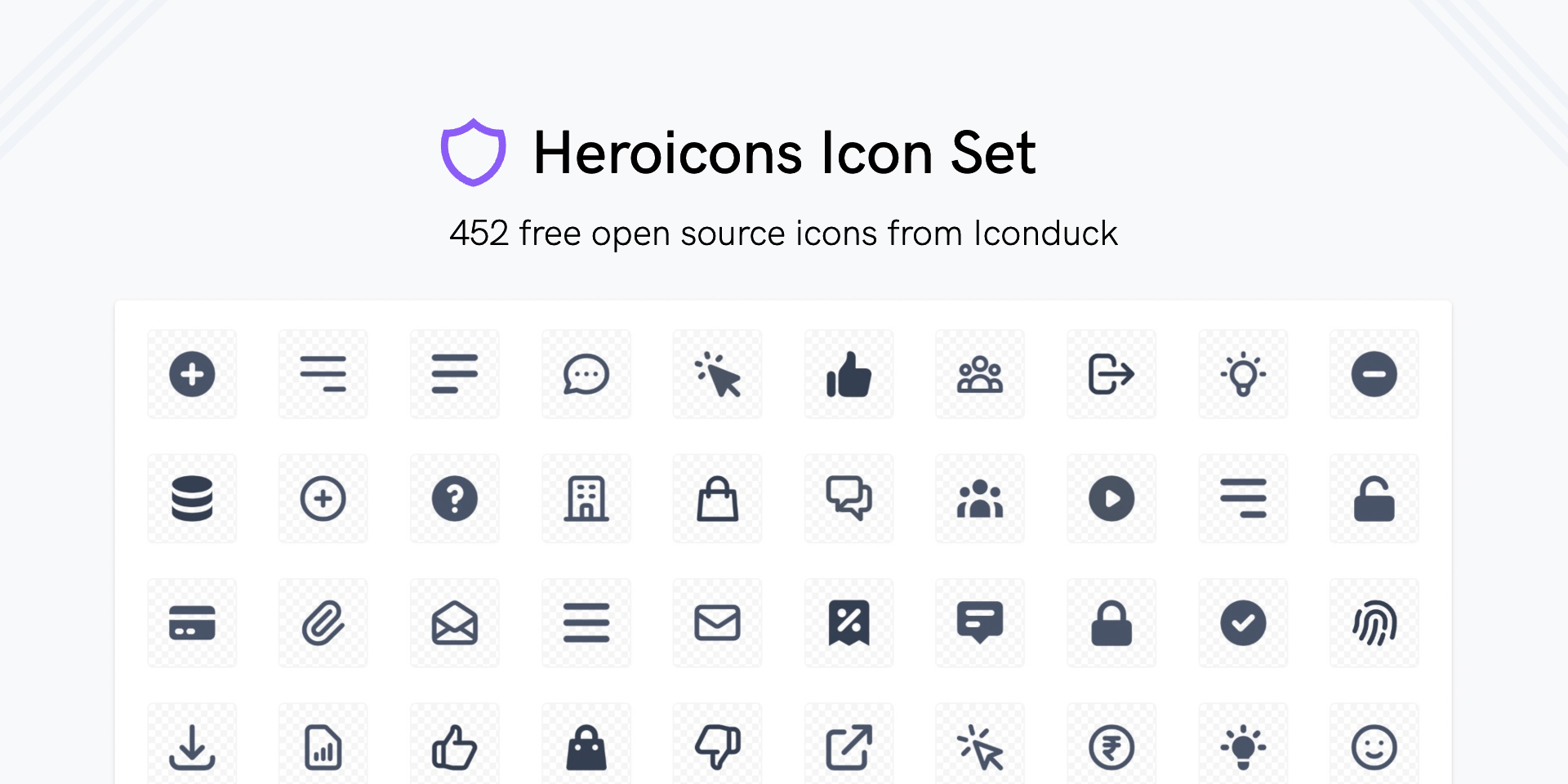
🇺🇸 Developed by Tailwind Labs - The US company behind Tailwind CSS, founded by Adam Wathan. Heroicons was designed by Steve Schoger, a well-known designer in the Tailwind community.
Heroicons is crafted by the Tailwind Labs team, featuring outline and solid styles. While the selection is smaller (300+ icons), every single one is hand-drawn and exceptionally polished.
The @heroicons/react package splits them cleanly into 24/outline and 24/solid directories for direct imports.
npm install @heroicons/reactBest for: Tailwind CSS projects, or UIs needing premium, hand-picked icons without overwhelming options.
Which one should you choose?
There is no single absolute winner; it depends entirely on your stack:
Using MUI? MUI Icons is the natural, seamless path.
Using Tailwind / shadcn? Both Lucide and Heroicons fit perfectly.
Need various weights? Phosphor Icons is unmatched.
Legacy project using Font Awesome? Keep Font Awesome, upgrade to v6.
All five libraries are free for both personal and commercial use under open-source licenses, so you can build with peace of mind.
Related posts
Fix slides before the meeting
Edit text and images in a PowerPoint file from the browser when PowerPoint is not installed.
Word templates for meeting minutes and reports
Download a Word frame for minutes, a report, or an invoice, then fill in your own content.
Make a PDF smaller before you email it
Scanned PDFs and image-heavy packets bounce. Compress the file, or split out the pages you need first.